Three steps, and you decide every one
Your people ask. You decide. You always see who looked.
From install to the first answer
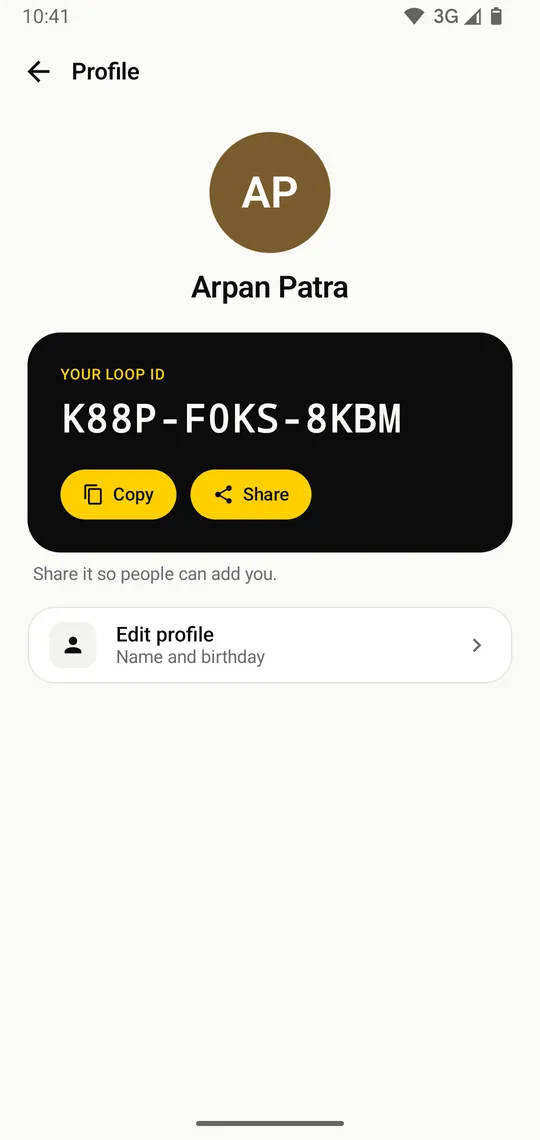
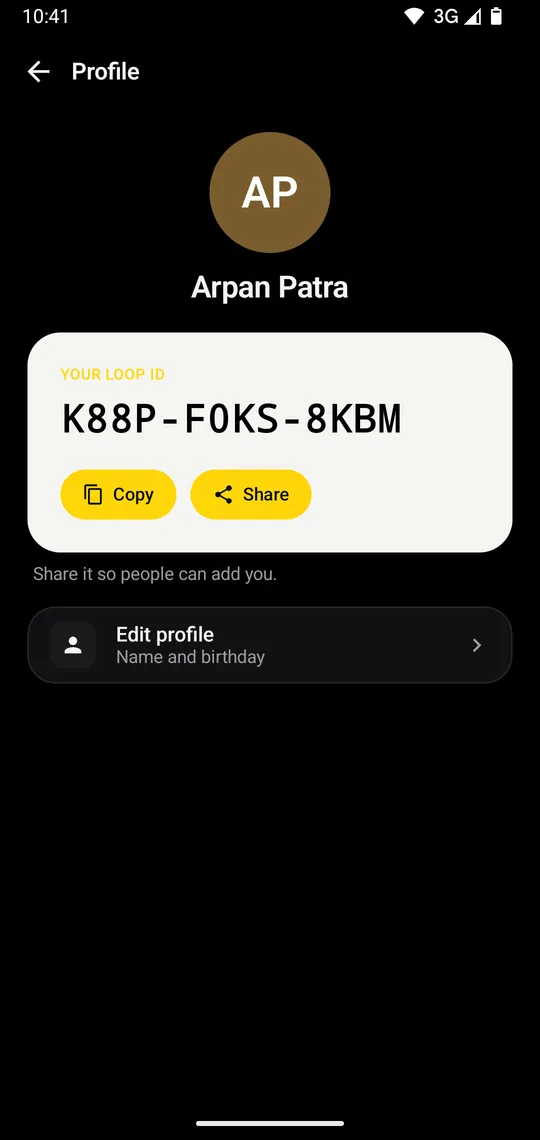
Get your Loop ID
Open LOOP, type your name and date of birth. You get a private ID like K7QM-4XRT-9PZW. No phone number, no email, no password.
- Made on your phone
- Your keys never leave it
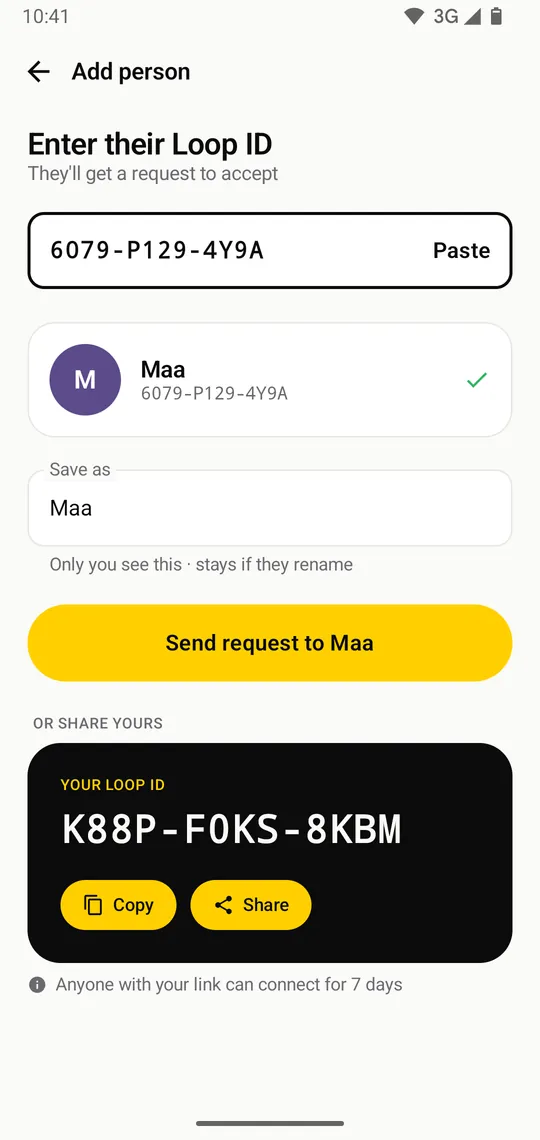
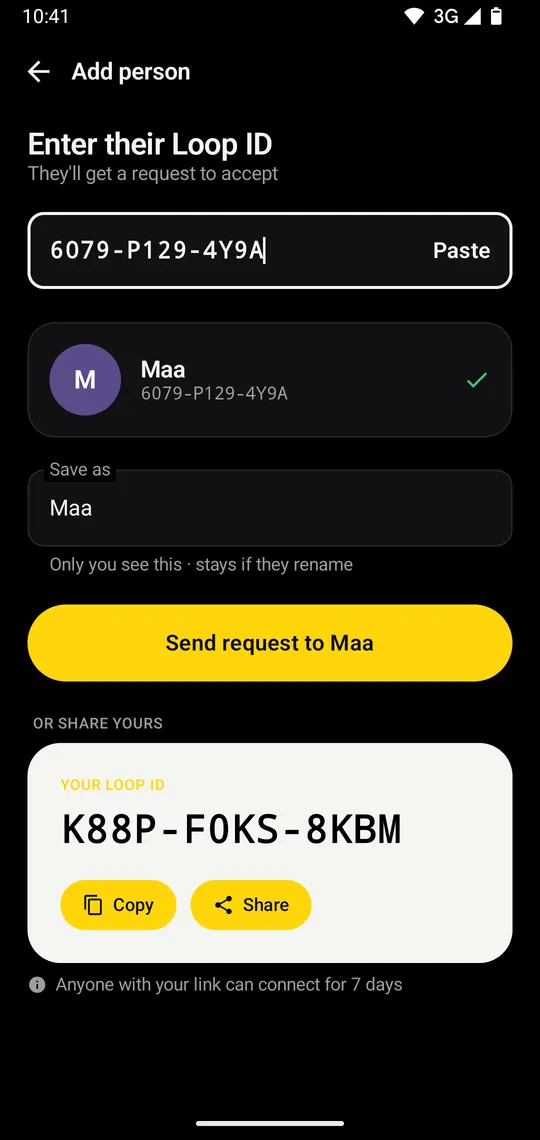
Add the people you trust
Send your link on WhatsApp, or type their ID. They tap it once and you're connected.
- Invite links work for 7 days
- Rename anyone; only you see it
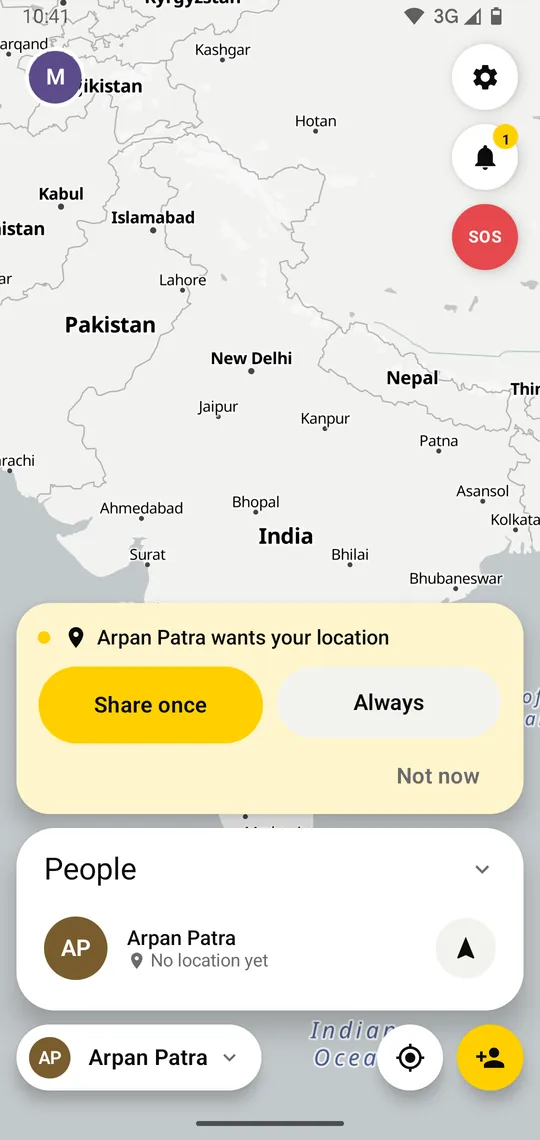
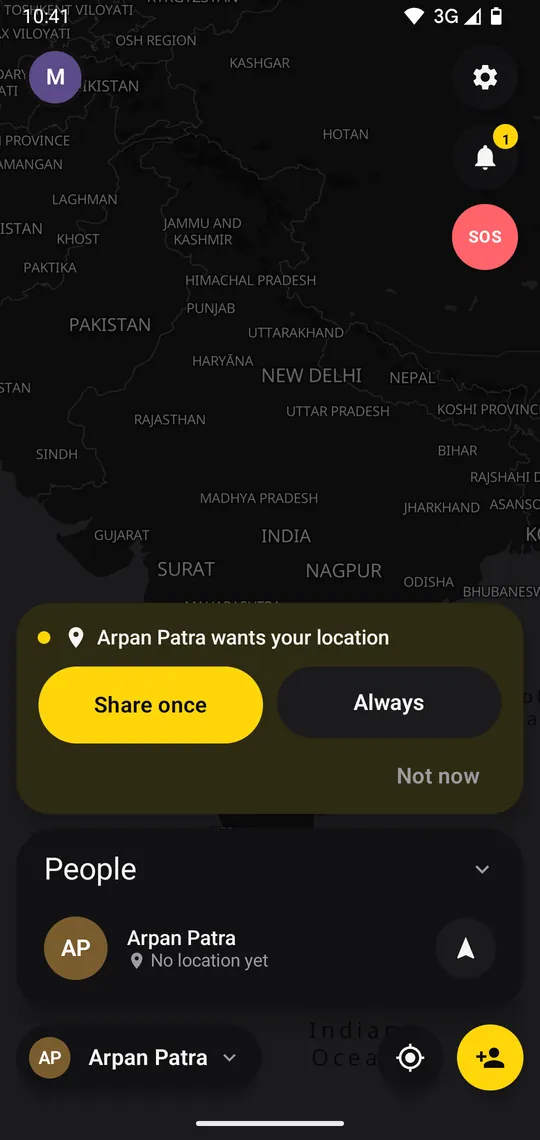
They ask
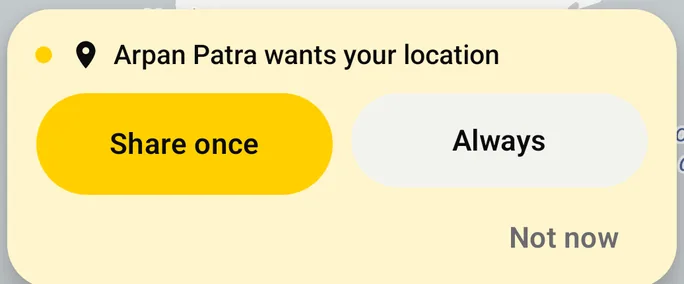
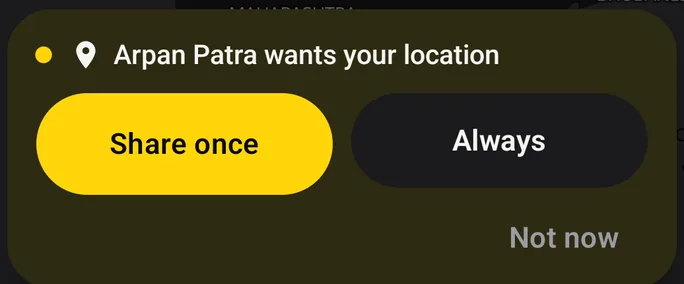
A card appears on your phone with three choices. Nothing is shared until you pick one.
- Share once
- Always (for family)
- Not now
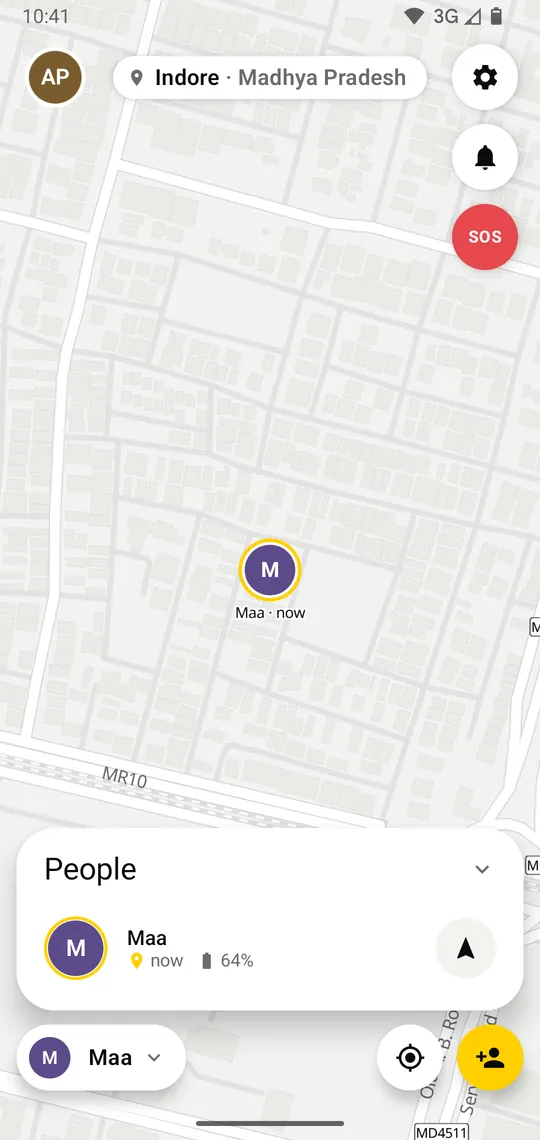
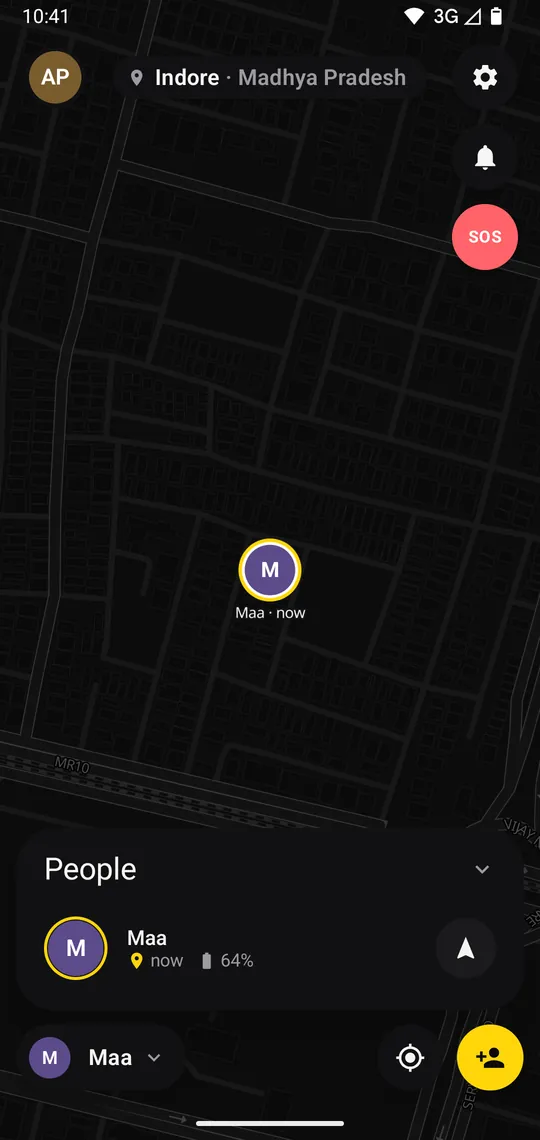
They see you, once
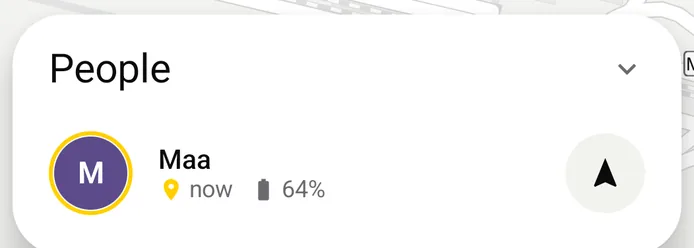
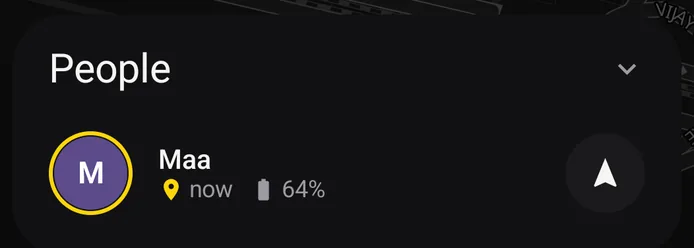
Your spot, how accurate it is, and your battery land on their map. The pin stays, labelled with its age.
- One reading, then LOOP stops
- Exact or about 1 km
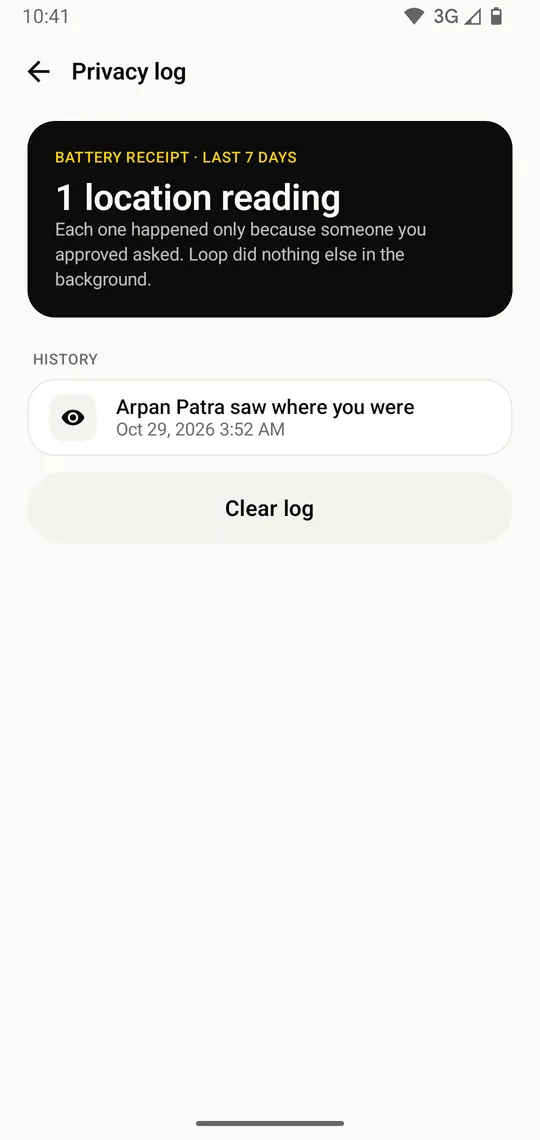
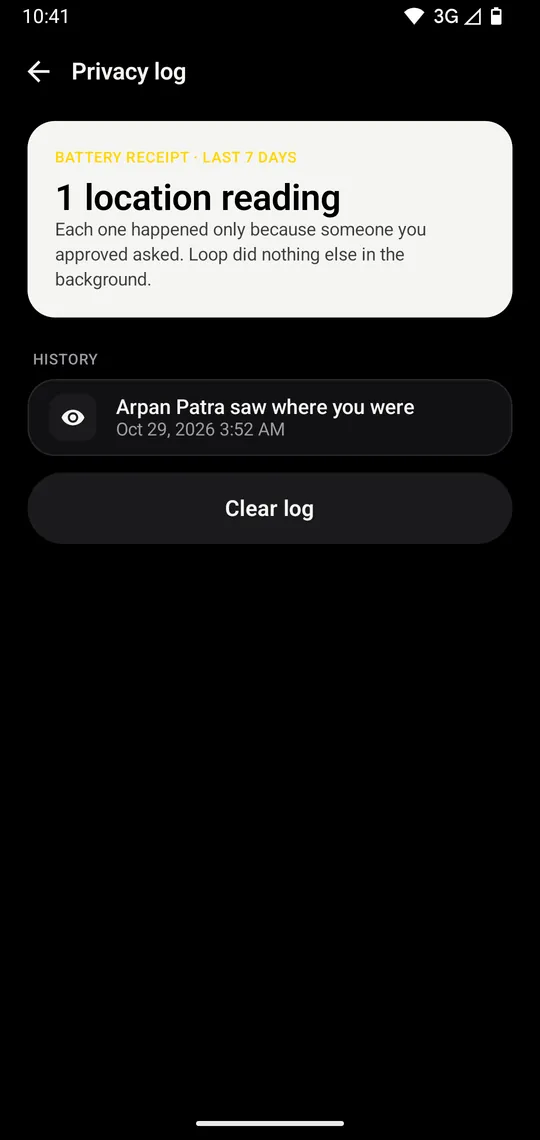
You get a receipt
Every look is logged on your phone: who, and when. Even with Always on.
- Privacy log in Settings
- Clear it any time
You choose, person by person
Ask me
You answer each request. The default for everyone.
Always
For family: no question each time, still a receipt every time.
Paused
Their requests are declined until you switch it back.
What they see
- Where you are
- How accurate it is
- Your battery
- How old it is
No one to try it with?
Add LOOP Demo from the People list. It answers at once from a sample spot, and can ask you too, so you see both sides.